

“Everything can be formulated as an optimization problem.” Yann LeCun
- Optimization Engines in the hands of Subject Matter Experts
- Finding Multiple and Optimal Decisions
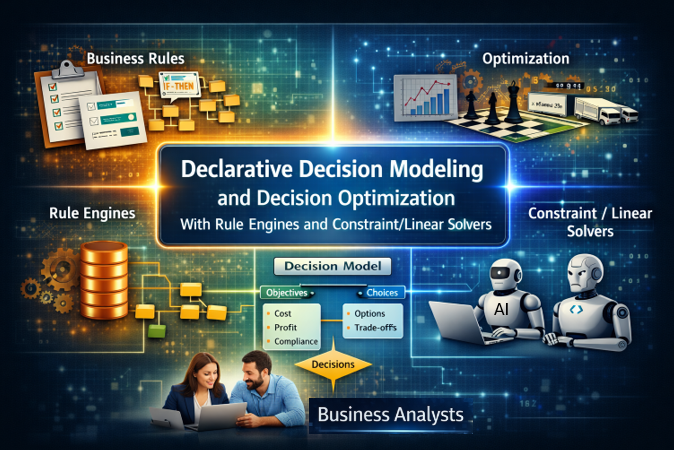
Rule Solver™ is the Decision Optimization component of the OpenRules Decision Intelligence platform. It adds optimization capabilities to Business Decision Modeling by integrating Rule Engine with off-the-shelf Constraint and Linear Solvers. It empowers business analysts to tackle complex business problems that conventional rule engines are not designed to solve.


With Rule Solver the creators of business decision models concentrate on “WHAT” instead of “HOW” by defining relationships between unknown decision variables and relying on predefined search strategies to find multiple or optimal decisions. Rule Solver introduces new types of decision table columns that define unknown variables and their relationships (constraints), allowing a user to mix and match business rules with technical constraints within the same decision tables.
Look at various samples of declarative decision models implemented using Rule Solver. Most of them use the predefined top-level decision table “DefineAndSolve“:

It means a custom decision model needs to define two sub-decisions:
- “Define” for Problem Definition and
- “Solve” for Problem Resolution.
Here is an example of such sub-decisions:

Problem Definition. Usually, you concentrate on the Problem Definition (“Define“) by defining your unknown decision variables (“DefineVariables”) and by posting constraints on them (“PostConstraints”). There are several predefined column types to do that. Here is an example of a decision table that uses the column “SolverDefineVariables” to define 3 variables X, Y, and Z, and the variable Sum that is the sum of X and Y:

The following table posts two constraints, “X less that Y” and “Z = Sum” on these variables:

You may include Solver’s columns inside regular OpenRules decision tables to create variables and then to post constraints conditionally, as in the following example:

If your problem has an optimization objective that you need to minimize or maximize, you may define such an objective using this table:

Problem Resolution. For the Problem Resolution (decision table “Solve“) you may usually rely on the predefined methods, such as “SolverFindSolution” used inside the decision table “Solve” above.
Instead of “SolveFindSolution”, you may use the predefined methods “SolverMinimize” or “SolverMaximize” for an already defined objective. Alternatively, you may use the table:

You may find many complete examples of RuleSolver’s decision models here. You will notice that all these decision models are declarative as they concentrate on WHAT instead of HOW.
While traditional pure rules-based decision models expect subject matter experts to specify all (!) rules that lead to a single decision, Rule Solver allows them to specify only major business rules/constraints, and then will automatically generate possible decisions and even find the optimal one!
Rule Violations. Rule Solver allows business analysts to deal with rule violations: they may adjust business rules by defining penalties for their violations, and then the decision model will produce an optimal decision that minimizes the total rule violations. See a complete example “MapColoringPreferences” in the standard RuleSolver installation.
Rule Solver also offers a more business-friendly representation of constraint satisfaction and optimization problems than traditional Constraint and Linear solvers. Its implementation is based on the JSR-331 standard and an open-source Java Solver that allows the use of various underlying off-the-shelf, open-source, and commercial solvers without any changes to the decision models.
Being a component of OpenRules Platform, Rule Solver naturally utilizes its integration and deployment mechanisms. You may easily deploy Rule Solver decision optimization models as an Decision Optimization Microservices, such as AWS Lambda or MS Azure functions.
Decision Optimization Services. OpenRules, Inc. provides professional services to assist customers in the development of decision optimization services deployed on-prem or on any cloud. If you are interested, please contact consulting@openrules.com.
Any issues? Contact support@openrules.com – we will help.

 Decision Intelligence Platform